


BellDRock
Community Manager
Options
- Subscribe to RSS Feed
- Mark as New
- Mark as Read
- Bookmark
- Subscribe
- Printer Friendly Page
- Report Inappropriate Content
08-01-2025
02:51 PM
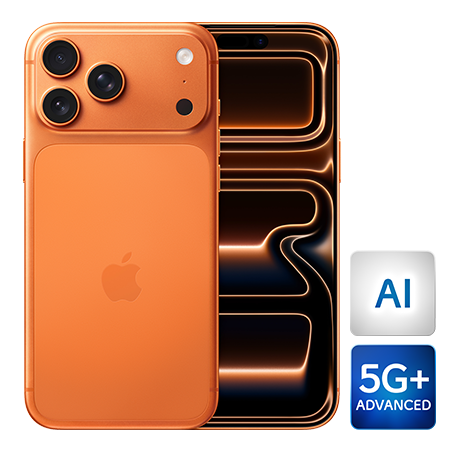
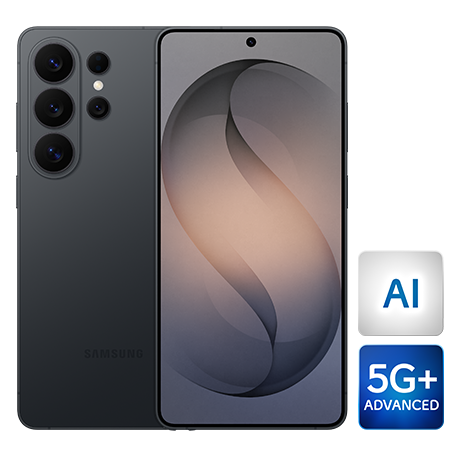
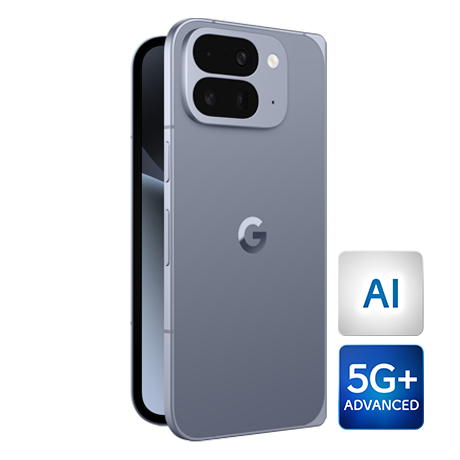
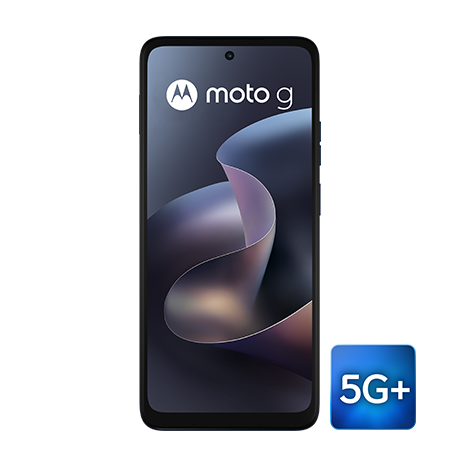
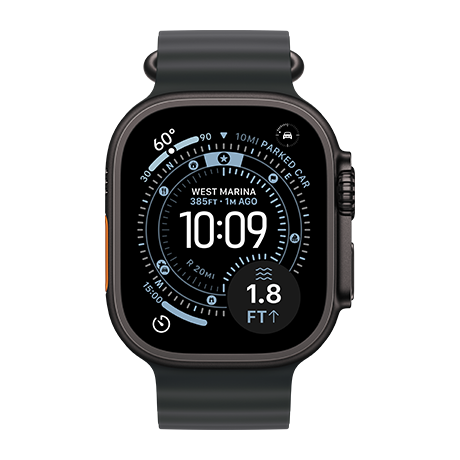
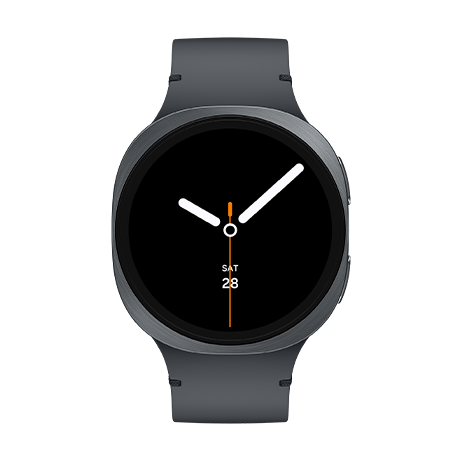
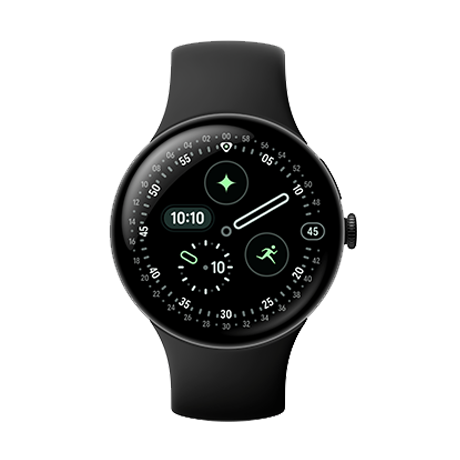
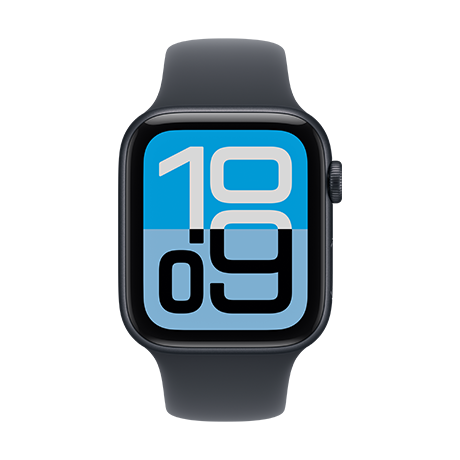
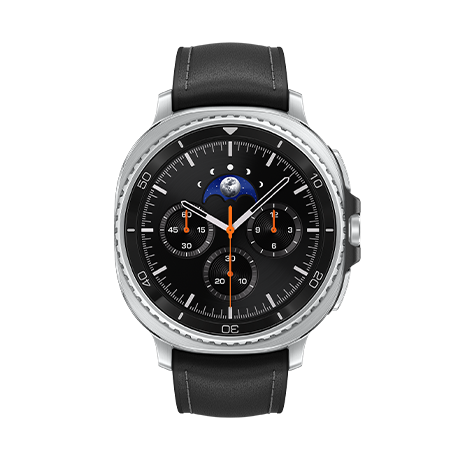
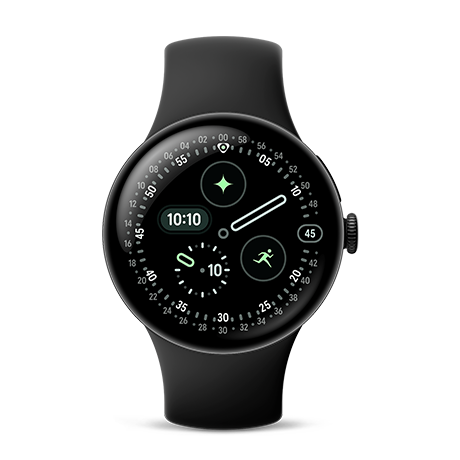
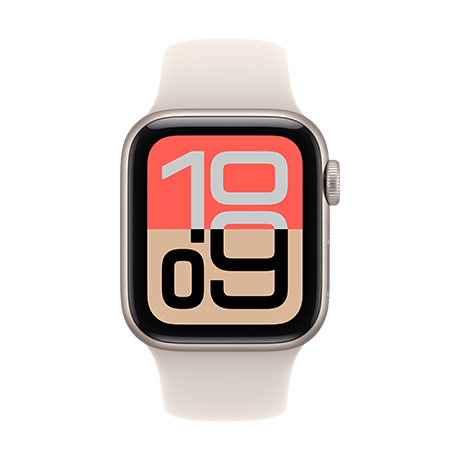
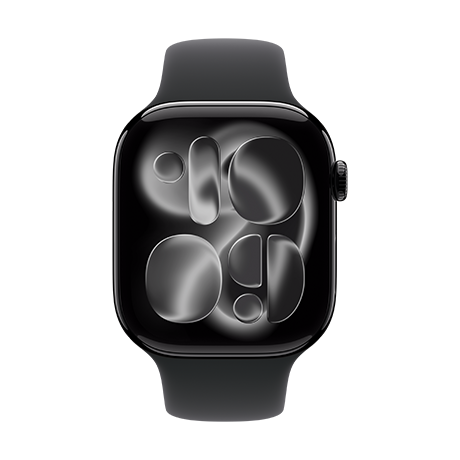
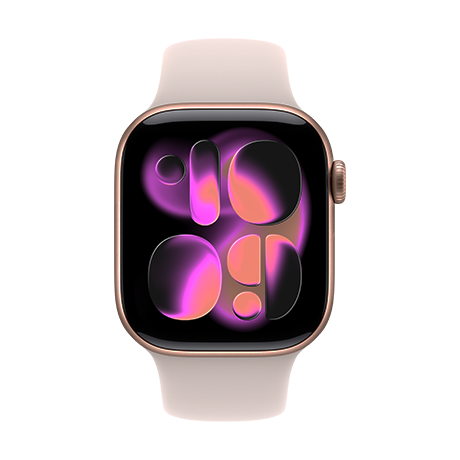
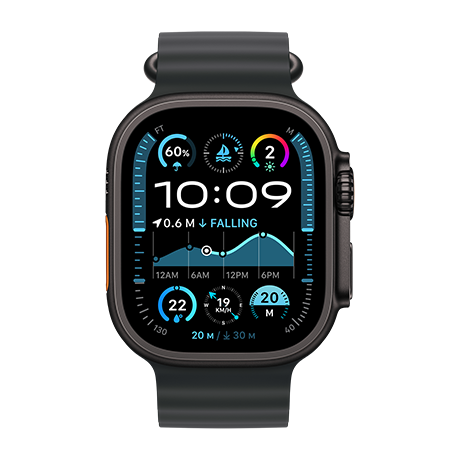
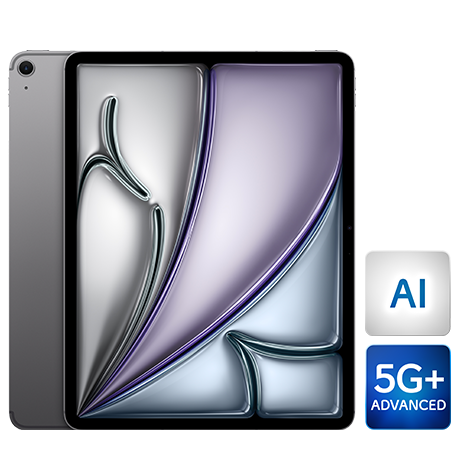
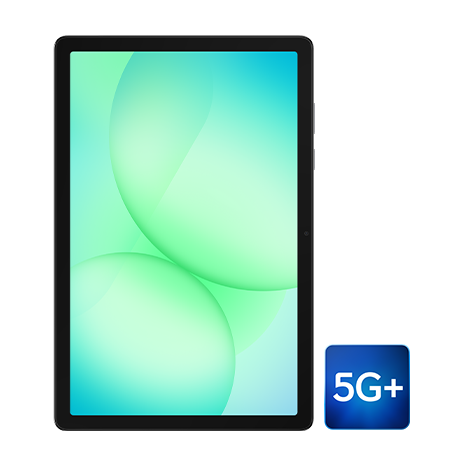
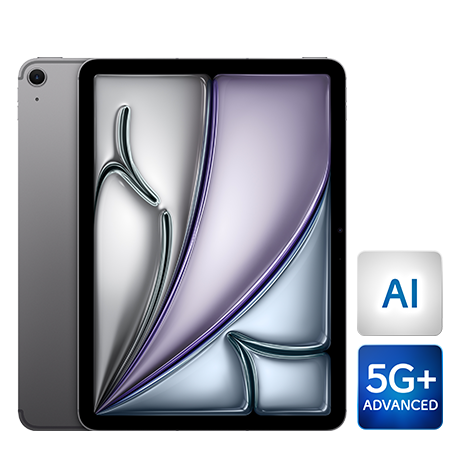
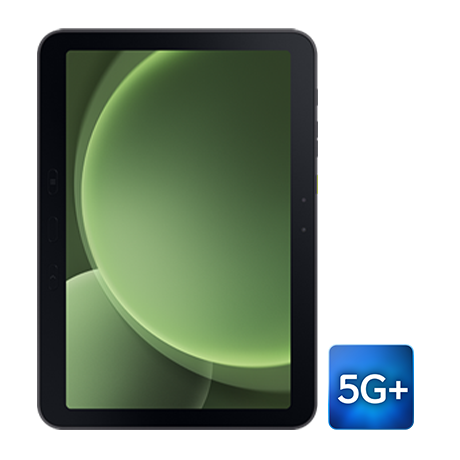
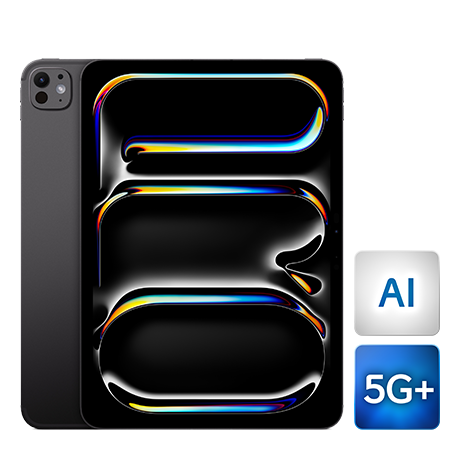
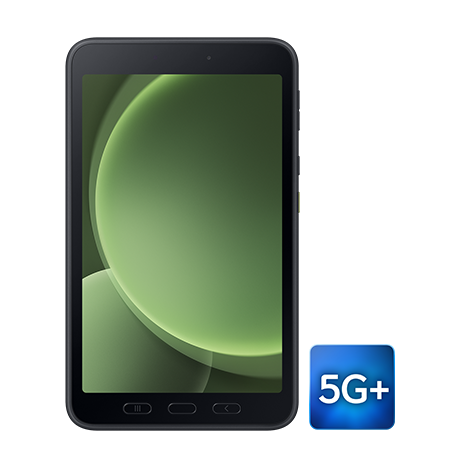
In the Bell Community you can tag and reference your Bell Mobility phone, tablet or smartwatch inside your posts in both English and French.
Simply input a hashtag '#' and begin typing the name of your phone, tablet or smartwatch make and/or model. With some manufacturers having many different models in-market or with like names, you may find you need to be specific to find yours.
New devices are added as they launch, so you'll always find the newest ones available and ready to be tagged.
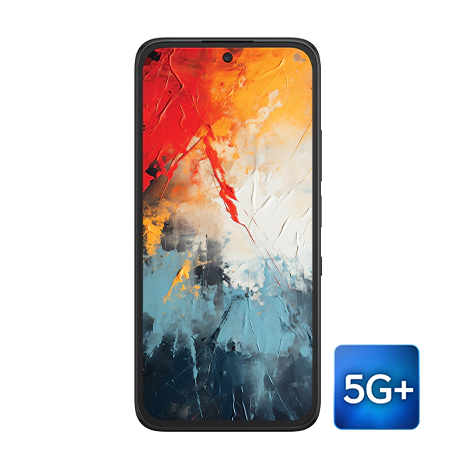
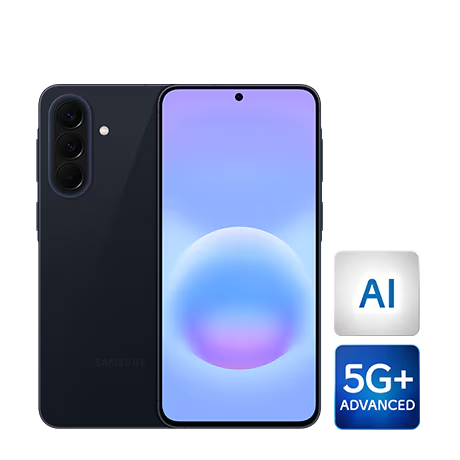
Nubia A76
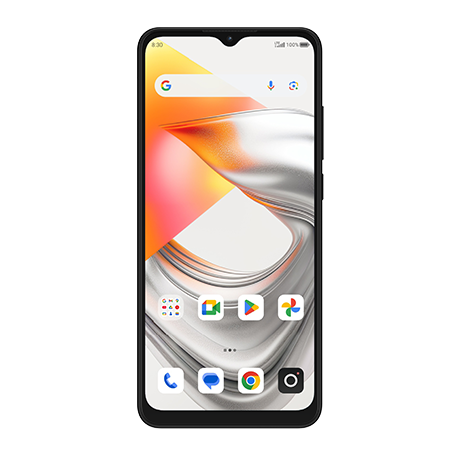
Nubia A76
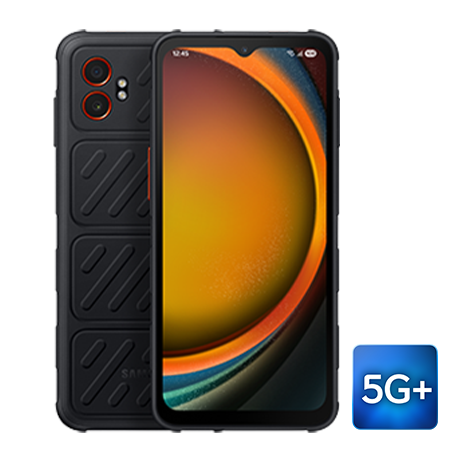
Sonim XP Pro 5G
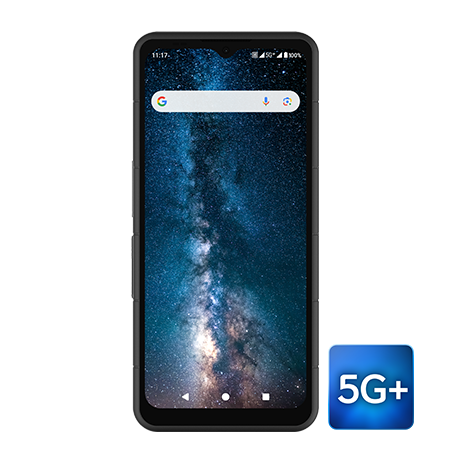
Sonim XP Pro 5G
Sonim XP3 Plus 5G
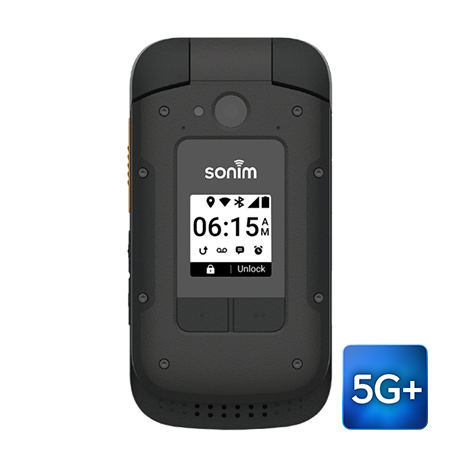
Sonim XP3 Plus 5G
Sonim XP5plus (no knobs)
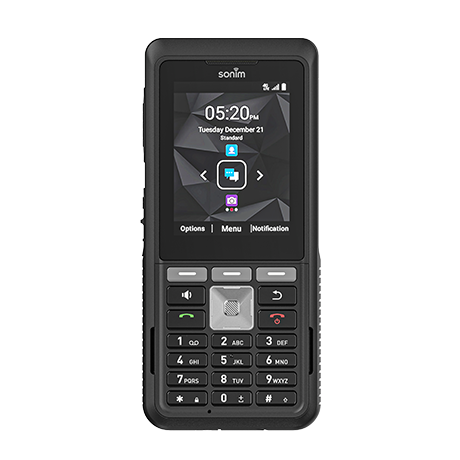
Sonim XP5plus (no knobs)
Labels:
You must be a registered user to add a comment. If you've already registered, sign in. Otherwise, register and sign in.
Getting started
New to our forum? These guides will help you find your way around quickly.
- Welcome to the Community!
- Log in/Register
- Community guidelines
- Community help
- Meet the Moderators
- Bell Community All-Stars
- How to send a private message
- Existing customers, login to MyBell to see exclusive offers
- What's on Crave
- What's on Free Preview
- Mobility phone & device catalog
- Latest in the Community
Popular links


Related content
- Understanding Google Pixel’s "Take a Message" feature in Bell Community Blog
- How do i activate the 3 months free of TSN with new Bell Mobility registration? in Mobility
- Self-hosted Bitwarden not working after GH2.0 f/w upgrade to 3.11.6.1 in Internet
- No Mobility Service in Crowsnest Pass, Alberta in Mobility
- Introducing Bell always-on Internet solutions in Bell Community Blog