Hello,
I bought iPhone 14 pro max in Feb 2023 with Bell plan. I’ve come to India to visit my family and wanted to use Jio/Airtel SIM services available in India. Whenever I insert any of Jio/Airtel/Vodafone in the phone it says Updating and the next step it shows SIM not supported, either the phone is locked or the SIM not supported. I tried 3 carrier SIM in the phone and it says the same while the other device which I bought this month only on add a line from Bell works with any SIM inserted. I talked with chat service at Bell services and they say your device is unlocked from Bell. I’m not sure what the problem is.
-------------------------------------------------------------------------------------------------------------------------------------------------------
❗AI Summary:
This thread discussion revolves around having a mobile phone that is locked to the Bell network. This means the device can only use a Bell SIM card and cannot operate on other carriers until it has been unlocked. After 60 days from the activation of your phone on the Bell network, your phone will unlock automatically at no cost.
Users often encounter a locked device after a new activation, hardware upgrade or when switching providers; when the phone has not been activated on the Bell network for a minimum of 60 days.
Unlocking Policy
Your phone must meet all eligibility conditions. Bell may refuse any unlock request that appears intended to defraud Bell or its customers.
Check if you’re eligible:
- The phone is not flagged as lost or stolen.
- Your phone must be locked to the Bell network. Bell can only unlock Bell devices.
- It has been at least 60 days since you activated your device on the Bell network.
If it has been less than 60 days since your phone has been activated on the Bell network but you meet the other eligibility criteria, you can request Bell unlock your device.
Bell phones that have been stolen or fraudulently acquired are permanently disabled from working on any Canadian, U.S. or international mobile networks. See Unlock your Bell device for full details.
To see if your Bell device is unlocked
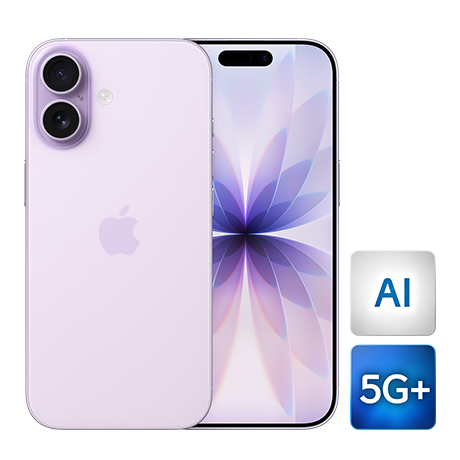
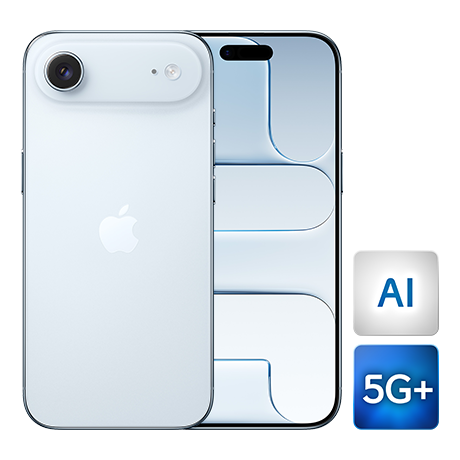
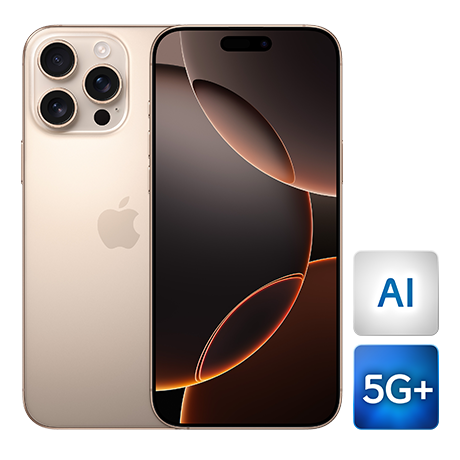
Apple iOS devices:
Go to Settings > General > About > Carrier Lock. If No SIM Restriction is displayed, your device is unlocked.
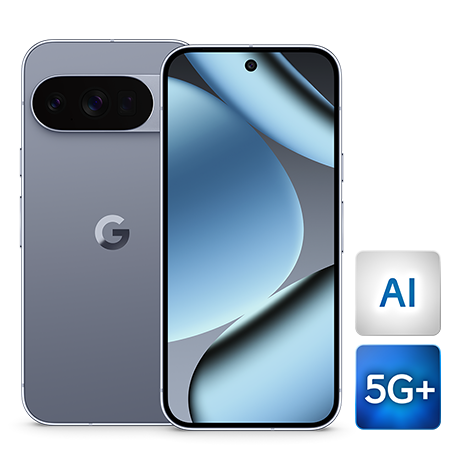
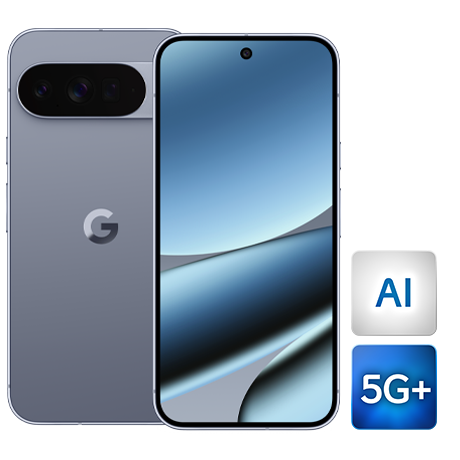
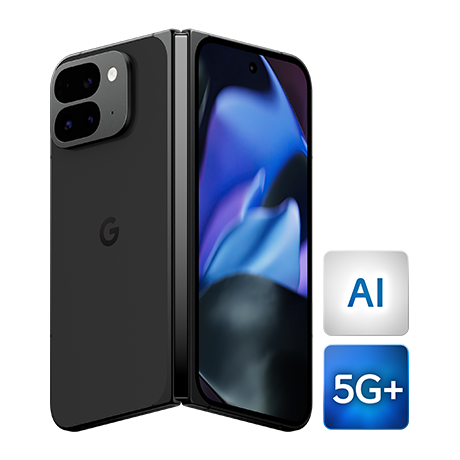
Google devices:
Go to Settings > Network & Internet > SIMs. Select the active SIM listed, scroll down to Network and toggle off Automatically select network. The device will scan for mobile networks. If you see network operators other than Bell, your device is unlocked.
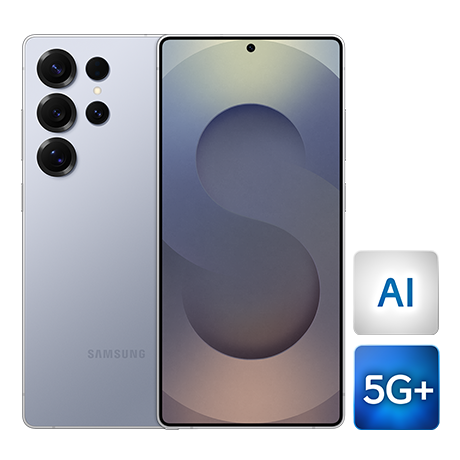
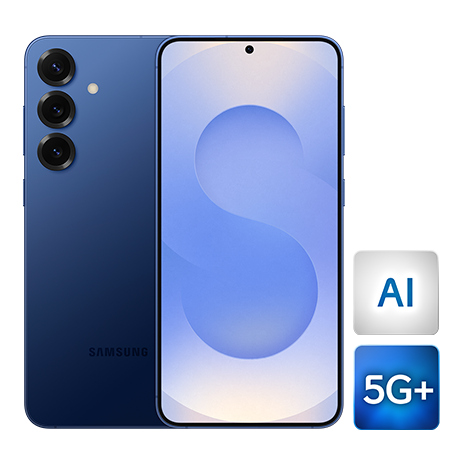
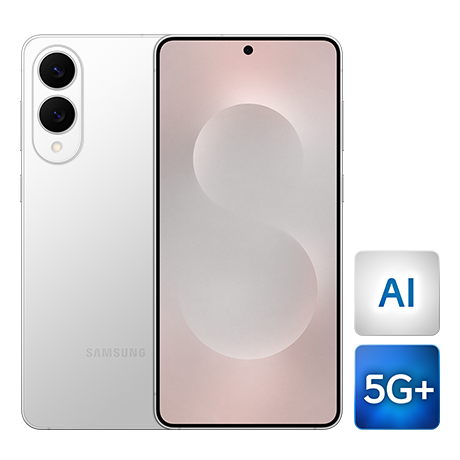
Samsung devices:
Go to Settings > Connections > Mobile networks > Network operators and toggle off Select automatically. eSIM-activated devices may need to select the eSIM at the bottom of the screen if the toggle is greyed out. The device will scan for mobile networks. If you see network operators other than Bell, your device is unlocked.
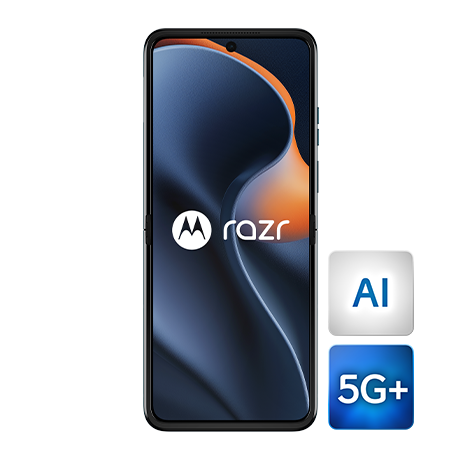
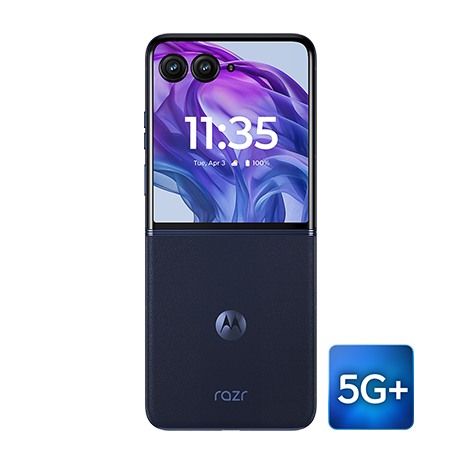
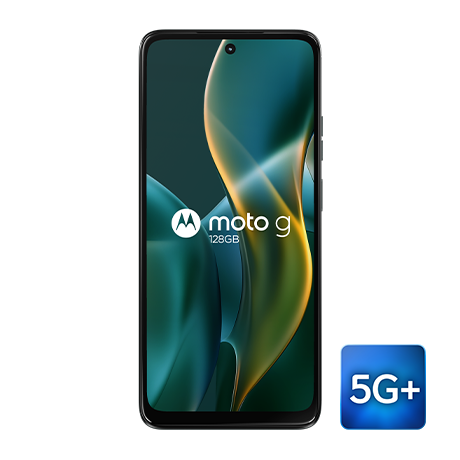
Motorola devices:
Go to Settings > Network & Internet > Mobile Network > Advanced. Scroll down to Network and toggle off Automatically select network. The device will scan for mobile networks. If you see network operators other than Bell, your device is unlocked.
LG devices:
Go to Settings > Network & Internet > Mobile networks > Network operators > Search networks. The device will scan for mobile networks. If you see network operators other than Bell, your device is unlocked.