


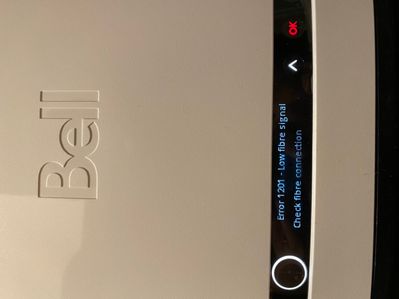


The Virtual repair tool will automatically detect and fix problems with your Internet, Fibe TV and Home phone services.
Use it to make sure your services are running their best, or if you have:
A family member is trying to change my router settings by calling Bell to reset the router or by physically resetting the router. Can this be prevented?
I was installing the free Mcafee from my bell account and during the process my computer shutdown. When I tunred on my pc and tried to install the antivirus, I couldn;t and started to get the message try again or contact support. I contacted mcafee s...
Hello everyone,Looking at the management options within my new Giga Hub, and I don't see any flow control options provided. Does anyone know if flow control is supported on the Sagemcom router, if it is configurable and if not, what the built-in par...
Does anyone know if the Bell Home Hub 4000 (giga hub) will work with the Netgear Orbi AX6000 Mesh wifi system? I have 3 wifi pods and the coverage throughout my home isnt that great. as an FYI, i have the gigabite fibe 3 package.
It seems odd to be reporting a screen sharing problem between two Macs here, but I am now at the point where the only common denominator is my new Bell Giga Hub router.I have a Mac Studio (M1) and a MacBook Pro (Intel). I use the Mac Studio in headl...
When I start typing an email address in the To field, Bell webmail shows dropdown list of past email addresses to choose from. Many of these addresses are out of date and I want to remove them so I don't accidentally send to an old address but I hav...
How did empty my trash?
Do any of the Bell routers ( GIGA Hub) have Thread Border Router support for Matter support?
Switched to Bell Fibe 1.5 from Rogers (finally waited 6 years to have it installed in my area) and had it installed just 2 days prior to the catastrophic outage that Rogers had. Everything is working as it should however I am experiencing some low sp...
How much wattage does the Bell GIGA modem need? Thank you,
New to our forum? These guides will help you find your way around quickly.

Bundle your streaming subscriptions and pay one low monthly price.
Easily transfer your accounts, keep your viewing history, recommendations and watchlists.
Save when you bundle with Bell.
Gemini. Your built-in AI assistant:
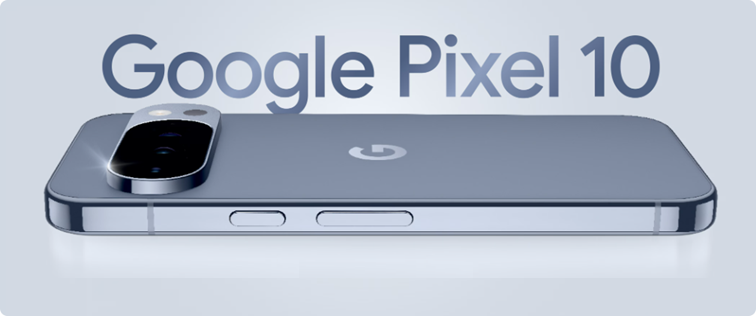
Choose Bell for your new Google Pixel 10.
The Virtual repair tool will automatically detect and fix problems with your Internet, Fibe TV and Home phone services.
Use it to make sure your services are running their best, or if you have:


Bell customers can now enter exclusive contests on the MyBell app.
Prizes include tickets to Bell sponsored events such as:
All you have to do is log in to the MyBell app to see if there is a contest happening in your area.





