


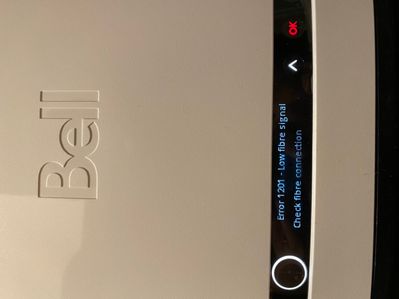


The Virtual repair tool will automatically detect and fix problems with your Internet, Fibe TV and Home phone services.
Use it to make sure your services are running their best, or if you have:
Hi everyone, I recently got fibre optic internet and am loving the speed. My question is, is there a reason that Bell uses 192.168.2.1 as the modem's address? As opposed to the very common 192.168.1.1. I'm not a networking expert, but before switc...
For about a month I have been unable to access my Bell email! Please Help!This is what happens when I try and login:"Secure Connection FailedAn error occurred during a connection to webmail.bell.net. PR_CONNECT_RESET_ERRORThe page you are trying to v...
Currently have the Bell Hub 4000 with 500 fibe in my house setup in main floor, however my wifi out in the 2nd floor is a weak signal. Question is any way I can make stronger wifi connection or which pod I should use to get strong wifi as well as to ...
Hello, I have a strange request I'm hoping someone can help me with.Basically I'm currently away from home and since I left, my IP address has changed (power outage, probably).The problem is that I rely on services that I self-host.Normally I have a ...
Prior to joining Bell, I was using my own router and using the ISP's modem in bridge mode and had/have a windows computer sharing certain folders on my local network. I was able to connect to this windows computer with \\HostName instead of using th...
How can I access my bell email after I have left Bell?
I received a new HomeHub 4000 today, I'm not sure why I got it since I already have a working HH4K. However, the new HH has the word GIGA on the left hand side of the black stripe along the bottom front. The older one doesn't. Is this a new model of ...

Connection from iPad fine, …laptop using both chrome and Microsoft edge are sporadic…message is ..err connection reset….has been no problem until last couple days message
I have discovered that the instructions for listing one's email and phone number as contact information for the purpose of receiving one's passwords from the router/modem are not entirely clear, they leave out one very important detail: any email or ...
Based on a number of fruitless attempts to log on to Bell, so I can see the details of my bill, using my default browser (Firefox), I was advised by Bell support that Bell had (arbitrarily) discontinued supporting that browser. I am now forced to us...
New to our forum? These guides will help you find your way around quickly.

Bundle your streaming subscriptions and pay one low monthly price.
Easily transfer your accounts, keep your viewing history, recommendations and watchlists.
Save when you bundle with Bell.
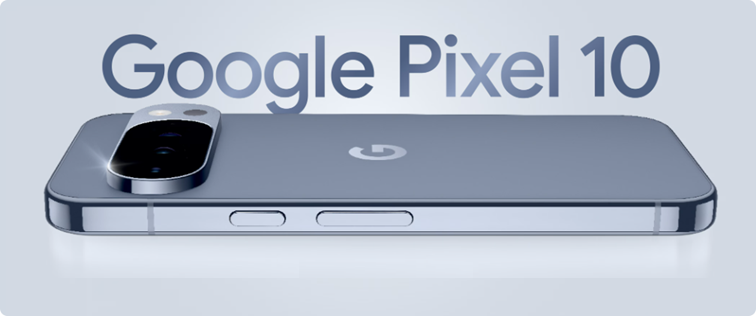
Gemini. Your built-in AI assistant:
Choose Bell for your new Google Pixel 10.
The Virtual repair tool will automatically detect and fix problems with your Internet, Fibe TV and Home phone services.
Use it to make sure your services are running their best, or if you have:


Bell customers can now enter exclusive contests on the MyBell app.
Prizes include tickets to Bell sponsored events such as:
All you have to do is log in to the MyBell app to see if there is a contest happening in your area.





