


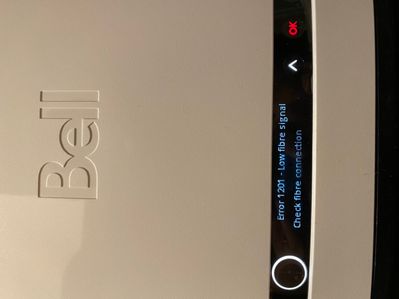


The Virtual repair tool will automatically detect and fix problems with your Internet, Fibe TV and Home phone services.
Use it to make sure your services are running their best, or if you have:
Hi, The wifi in the basement is terrible. I have tried the bell pods and a netgear extender. I am now going to run a cat cable to the basement and connect computer, printer and tv directly with Ethernet cables. What router or access point would wo...
I wired up an ethernet connection from my Giga Hub to my TV last night and worked fine. This morning, the IP address is now gone and ethernet not connected... where do I locate the IP address, Subnet mask, gateway and DNS server addresses?
Hi. I have a new internet provider that is able to give me Fibe. Bell does not have it in my area so I have switched. I will have to close my Sympatico email which is hundreds of years old! Is there anyway I can get my email folders and such tran...
I need to know the technical specifications of Bell gigabit fiber cable such as wavelength, make and model, manufacturer. etc.I am a user of all four Bell Canada servicesThanks,
Since it's a long wait for phone support, and Chat has apparently been disabled, and there is no email address available for support, I'll post this here. What choice do I have? Anyway a sender with whom I've exchanged emails with previously got a 'M...
Posting to the forum and hopefully an SME from Bell who can explain the issue here and how to disable or change the settings...every 12 hours exactly, at 3:14AM and 3:14PM I see the following logs on my modem. Ironically, this is the same time I expe...


sympatico email...I want to delete 100,s of emails...how do I do this?
Hi - I attached an external hard drive to my HH3000 and it's been working for over a year as a NAS. Suddenly, as of today, I am unable to use my drive using a mapped drive on my computer. No other computer can connect to it anymore. I am using Window...
I switched to Fibre to the Home, 1.5GB/s, in February 2023. My set-up is quite standard, a Bell Giga Hub running my network with a couple of PCs, an i-phone, Andriod phone, a couple of i-pads. Most are connected by WiFi, one PC is connected by Ethern...
Can I export emails in order to store them on a flash drive?
New to our forum? These guides will help you find your way around quickly.

Bundle your streaming subscriptions and pay one low monthly price.
Easily transfer your accounts, keep your viewing history, recommendations and watchlists.
Save when you bundle with Bell.
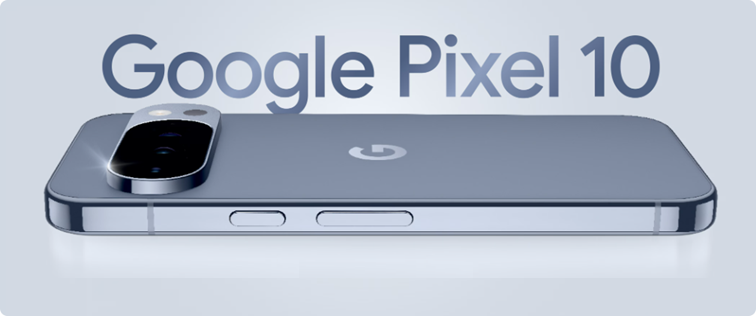
Gemini. Your built-in AI assistant:
Choose Bell for your new Google Pixel 10.
The Virtual repair tool will automatically detect and fix problems with your Internet, Fibe TV and Home phone services.
Use it to make sure your services are running their best, or if you have:


Bell customers can now enter exclusive contests on the MyBell app.
Prizes include tickets to Bell sponsored events such as:
All you have to do is log in to the MyBell app to see if there is a contest happening in your area.





